
TPL-01
Direct Response
Hero + offer + 3-bullet value stack + single CTA. Tested against baseline at 1.7× CTR.
LayoutSingle column
The Promotional Tools Library ships three working surfaces —banners, landing templates, andtracking links — wrapped in the same HUD trim as the comparison tool. Build, preview, copy, and audit without leaving the desk.
Eight production-ready formats, sized for the partner-program inventory you actually book. Pick a slot, export, drop into a campaign.
Six landing surfaces, each tagged by channel and goal. Clone the structure; replace the offer, keep the conversion geometry.
Hero + offer + 3-bullet value stack + single CTA. Tested against baseline at 1.7× CTR.
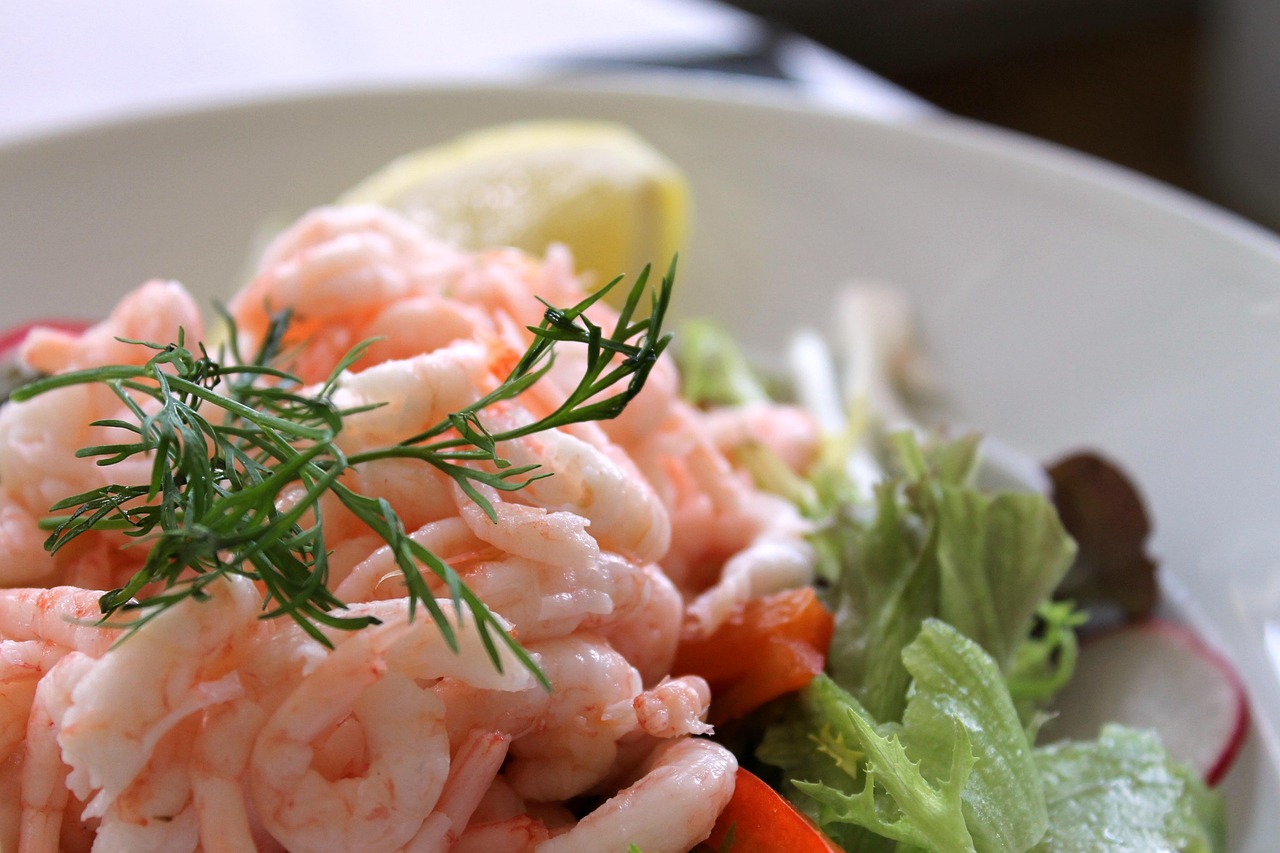
Lead-magnet card on a single-column layout. Form-only above the fold.
Inline opt-in matched to article tone. Two-step form. Exit-intent variant included.
Side-by-side competitor block with masked terminology and a primary action.

Tap-first layout, 44pt targets, compressed value prop above the fold.

Waitlist + countdown slot + referral hook. Pairs with a partner-program waitlist.
Stitch a tagged URL for any partner-program campaign, then decode inbound links to audit what came through. Read-only — no network calls leave the desk.
https://partner.example.com/apply?utm_source=newsletter&utm_medium=email&utm_campaign=launch-q4&click_id=ALPHA-7F2A&pid=ALPHARun the calculator, compare programs, then ship a tracked campaign from this desk in a single sitting. The chrome stays consistent across surfaces.